
Motherboards are funny.
Nobody gets excited about motherboards.
People get excited about CPUs.
People get excited about GPUs.
People get excited about benchmark numbers.
Meanwhile the motherboard quietly does all the hard work while everyone pretends it doesn’t exist.
The Gigabyte X870E AORUS Master is one of the few motherboards that actually made me appreciate the motherboard itself.
Not because it magically made my system faster.
It didn’t.
Physics remains stubbornly undefeated.
What it did do was make building, upgrading, and maintaining my system genuinely enjoyable.
The EZ-Latch system.
The tool-free M.2 installation.
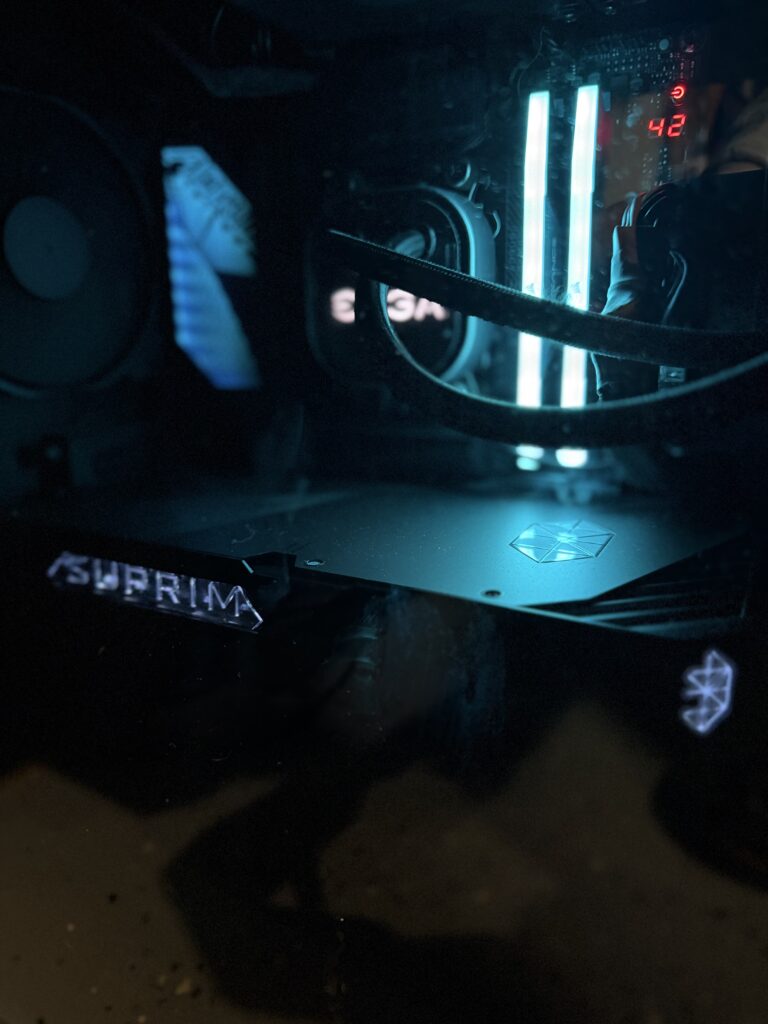
The diagnostic display.
The oversized cooling.
The absurd amount of metal.
And I do mean absurd.
This thing feels less like a motherboard and more like a piece of infrastructure.
If civilization collapses and we find ourselves fending off medieval raiders, I’m reasonably confident this board could serve as a shield.
Possibly a small door.
Maybe light body armor.
The point is:
This thing is built like a tank.
💩 Poop Rating
💩 1/4 Poops
Excellent Crap.
Expensive? Sometimes.
Overbuilt? Absolutely.
Worth it? In the right situation, yes.
Why This Review Matters
If you’re researching:
- Gigabyte X870E AORUS Master Review
- Best X870E motherboard
- AM5 enthusiast motherboard
- Ryzen 9000 motherboard
- X870E motherboard comparison
- AORUS Master worth buying
this review combines extensive research with real-world ownership experience.
First Impressions
The very first thing I noticed was the weight.
Seriously.
Pick this thing up.
The PCB is thick.
The heatsinks are enormous.
The cooling hardware is substantial.
The board uses an 8-layer PCB with 2-ounce copper construction and some of the largest VRM cooling Gigabyte has ever attached to a gaming motherboard. Independent testing found VRM temperatures staying remarkably cool even under a Ryzen 9 9950X stress load. (TechSpot, TechPowerUp)
You immediately understand where some of your money went.
This does not feel like a budget board wearing expensive clothing.
Building On It Is Genuinely Nice
Most motherboards aren’t fun to work on.
This one is.
The EZ-Latch system deserves a special mention.
The M.2 installation mechanism is fantastic.
No tiny screws.
No balancing acts.
No hunting for hardware that launched itself into another dimension when it hit the floor.
Multiple reviewers specifically praised Gigabyte’s screwless M.2 system as one of the best implementations currently available.
The GPU release mechanism is another feature that sounds insignificant until you’re trying to remove a giant RTX card wedged into a packed case.
Then suddenly it feels brilliant.
These aren’t flashy features.
They’re quality-of-life improvements.
And unlike RGB lighting, you actually use them.
Stability Has Been Outstanding
This is the most important section.
My board has been boring.
And I mean that as the highest compliment possible.
No crashes.
No USB issues.
No networking issues.
No strange hardware behavior.
No mysterious gremlins living in the BIOS.
Just stability.
Professional testing generally mirrors that experience, with no widespread reports of USB instability, networking failures, storage problems, or platform-level defects specific to the AORUS Master.
A motherboard’s primary job is getting out of the way and letting the rest of the system do its thing.
The X870E AORUS Master excels at that.
Cooling Is Almost Comically Overbuilt
The cooling solution borders on ridiculous.
Massive VRM heatsinks.
Massive M.2 heatsinks.
Heatpipes.
Armor.
Shields.
Probably classified military equipment.
Testing showed VRM temperatures around 62°C even under sustained Ryzen 9 workloads, which is outstanding for a board of this class.
The practical result?
The board stays cool.
Very cool.
Most users will never push it hard enough to care.
Which is exactly what you want.
The Lighting Doesn’t Scream For Attention
One thing I appreciate is restraint.
The RGB lighting isn’t trying to turn my office into a nightclub.
It’s tasteful.
Subtle.
Classy.
As someone rapidly approaching “old man complains about RGB” territory, I appreciate that.
It looks premium rather than flashy.
Is It Really Overpriced?
This is where I disagree with some of the reviews.
On paper, they’re not wrong.
Several competing boards offer comparable features for less money.
The MSI MPG X870E Carbon WiFi is often cited as one of the better value alternatives.
The ASRock X870E Taichi also provides strong specifications at lower prices.
That’s all true.
But here’s the thing.
Motherboards aren’t always purchased at MSRP.
I’ve seen the AORUS Master bundled with CPUs, memory, and complete build packages often enough that the value equation changes dramatically.
At full MSRP, you’re absolutely justified in comparing every feature against competing boards.
In a bundle?
Now we’re talking about what the board actually costs you.
And suddenly the value proposition gets much more attractive.
Features I Actually Use
The best features aren’t necessarily the ones marketing departments talk about.
The features I appreciate most are:
- EZ-Latch GPU release
- Tool-free M.2 installation
- POST code display
- Debug LEDs
- Q-Flash Plus
- Massive cooling
- Excellent connectivity
- Stable BIOS support
These are the things you keep using long after the excitement of a new build wears off.
Support Matters
Gigabyte deserves some credit here.
The board continued receiving BIOS updates throughout 2025 and 2026, including:
- Memory compatibility improvements
- Ryzen CPU support updates
- Security patches
- Platform stability enhancements
That’s exactly what you want on a premium motherboard that may remain in service for years.
Useful links:
- Gigabyte X870E AORUS Master Product Page
- Gigabyte X870E AORUS Master Support Page
- https://www.amd.com
Would I Buy It Again?
Yes.
Without hesitation.
Would I buy it at full MSRP?
Maybe.
The deal matters.
The market matters.
Competition matters.
But if I found myself building another high-end AM5 machine and this board was available in one of the excellent bundles that frequently appear?
Absolutely.
The X870E AORUS Master isn’t the best value motherboard I’ve ever owned.
It might be the nicest motherboard I’ve ever owned.
Those aren’t always the same thing.
Pros & Cons
✅ Pros
- Built like a tank
- Excellent cooling
- Rock-solid stability
- Fantastic EZ-Latch M.2 system
- Great GPU release mechanism
- Excellent diagnostics
- Premium construction
- Plenty of connectivity
- Strong BIOS support
- Tasteful lighting
- Makes upgrades significantly easier
❌ Cons
- Expensive at MSRP
- More motherboard than most gamers need
- Competing boards can offer better paper value
- Massive heatsinks occasionally get in the way
- Premium features may be wasted on simpler builds
Final Verdict
The Gigabyte X870E AORUS Master isn’t for everyone.
Most people can spend less and get essentially the same gaming performance.
That’s just the reality of modern motherboards.
But that’s missing the point.
The AORUS Master wins through build quality, ease of use, cooling, diagnostics, and long-term ownership satisfaction.
It’s one of those rare components that still makes you smile when you open the side panel months later.
And in a world where most motherboards disappear into the background, that’s worth something.
Final Poop Score
💩 1/4 Poops
Excellent Crap.
A motherboard so massively overbuilt it feels like Gigabyte accidentally shipped part of a battleship with your computer.
Reliable.
Cool.
Easy to work on.
And sturdy enough that if the apocalypse comes, I’ll probably take the motherboard. 🖥️💩🛡️
Additional Resources
- Gigabyte X870E AORUS Master Official Page
Gigabyte Product Overview - Gigabyte Support & BIOS Updates
https://www.gigabyte.com/Motherboard/X870E-AORUS-MASTER/support - Independent Testing TechPowerUp Review
- Platform Information https://www.amd.com/




Leave a Reply